July 30, 2026
- Launch: countdown, checklist, and KPI tiles, built for Notion.
A countdown, a checklist, and your KPIs—live inside the Notion page you already work from. Set it once at launch prep, watch it count down, check things off, and know where you stand without leaving Notion.
Track one book's entire launch—countdown, checklist, KPIs—on the page you already have open.
Running launches under more than one name? Each gets its own row, its own widget, same database.
Run the whole series' launch weeks back to back without rebuilding the widget each time.
Hand a VA the checklist view so they know exactly what's left, without giving them your whole Notion workspace.
Big days/hours display that flips to LIVE the moment your launch date hits—no more checking a spreadsheet to know how much runway is left.
ARC batch sent, cover reveal posted, preorder live, newsletter sent, launch-day posts scheduled, ad campaign launched. Check them off in Notion and the bar fills in real time.
Reviews against your target, ad spend to date, and your most recent sales-rank snapshot—right next to your checklist, not buried in five different browser tabs.
Add a row per book. Every launch you run lives in the same database, and each gets its own widget by slug—no rebuilding anything for the next release.
Dark and light themes tuned to sit right inside a Notion page, not like an embedded ad.
Run it for every pen name, every series, every launch you'll ever have. One payment, no per-launch fee.
Days/hours/minutes, auto-flips to a LIVE badge once your launch time passes—no manual toggle.
ARC batch, cover reveal, preorder, newsletter, launch-day posts, ad campaign—check them off in Notion, see the bar move instantly.
Actual vs. target reviews, right on the widget.
Running total, updated whenever you touch the Notion row.
Your most recent manual check, with an "as of" timestamp so you always know how fresh it is.
Matches the Notion page it's embedded in, or force one with a ?theme= URL param.
Every launch is a row. Add as many as you want.
No new app to learn—just a Notion database with fields you already understand.
A widget that turns a row in your Notion database into a live launch-week dashboard—countdown, checklist, and KPIs—embedded right inside the Notion page you already work from.
You get a private setup link by email the moment you purchase. A short one-time setup connects your Notion database; after that it stays connected and just refreshes.
Go to launchday.kerrielegend.com/recover, enter the email you bought with, and your link is resent to that address.
Not at all. If you can use Notion, you can use this. Setup is one-time and the guide walks through every step.
The countdown automatically flips to a LIVE badge—no manual toggle, no re-embedding.
Yes. Add a row per book to your database and each gets its own widget by slug—run as many concurrent launches as you want.
No. It works on Notion's free plan.
Yes, as long as it has the required properties. If your column names are different, just rename them to match the setup guide.
Because it's a digital product delivered instantly, all sales are final. If something is genuinely broken, reach out and I'll make it right.
No, it's an independent tool and isn't affiliated with Notion.
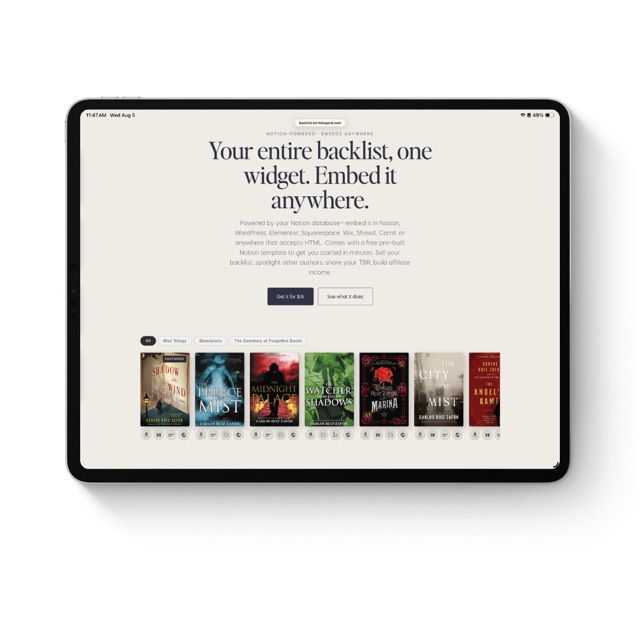
Your entire backlist, one widget. Embed it anywhere.
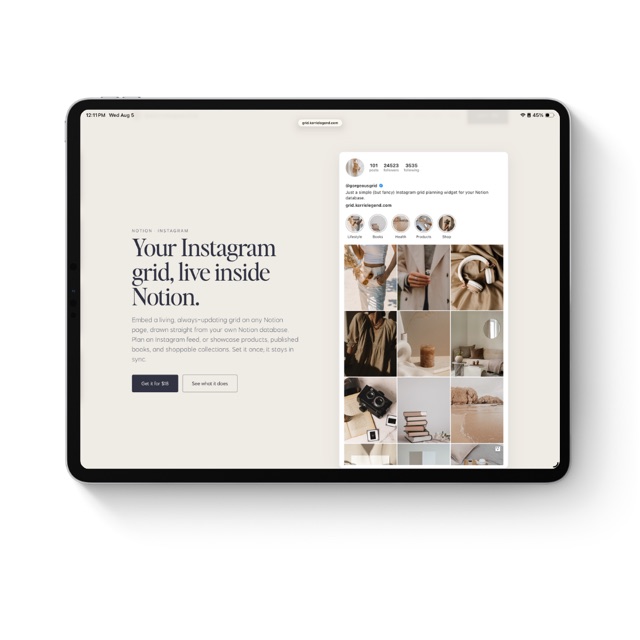
Your Instagram grid, live inside Notion.
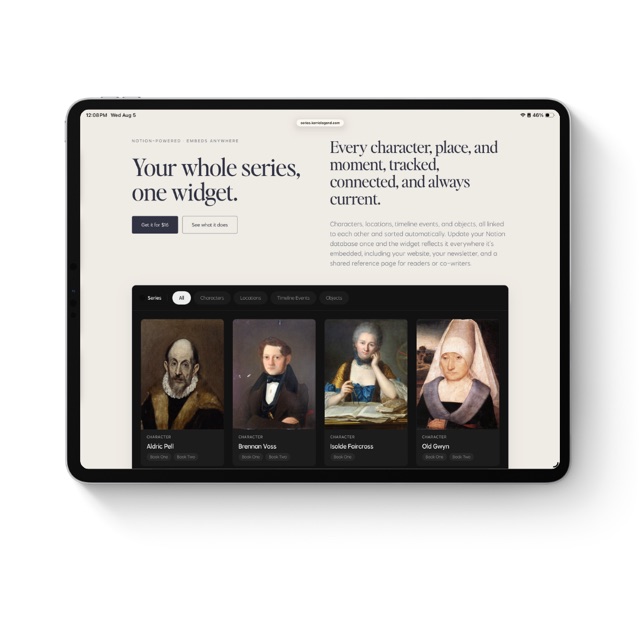
Your whole series, one widget.
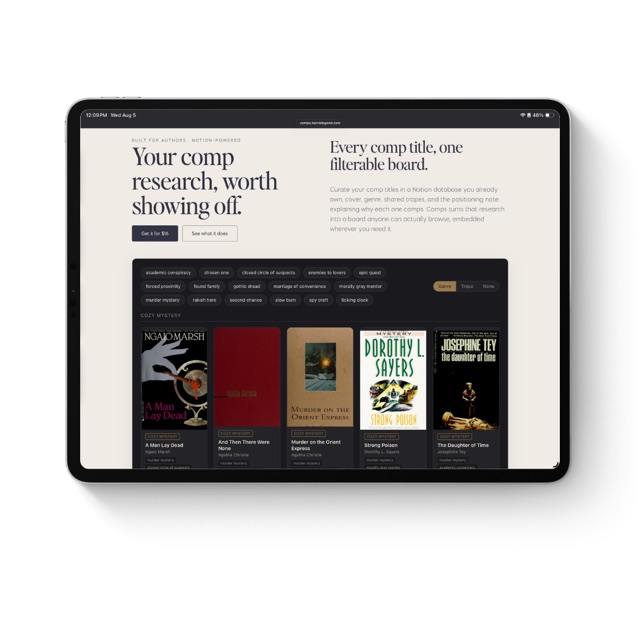
Your comp research, worth showing off.
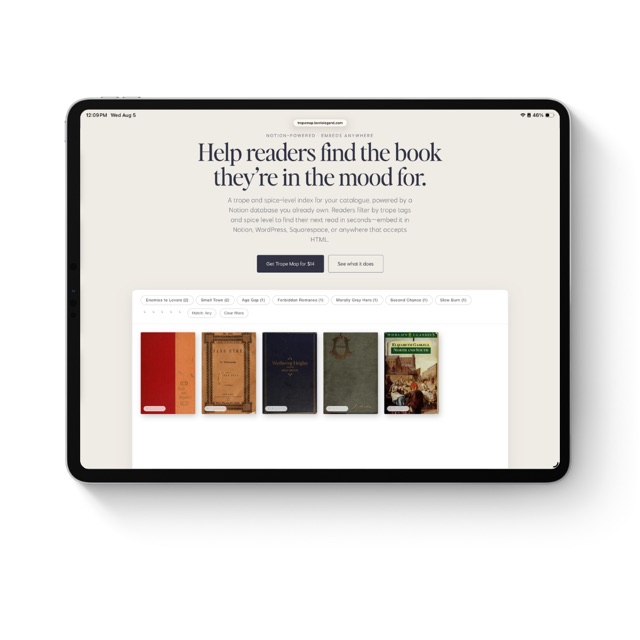
Help readers find the book they're in the mood for.
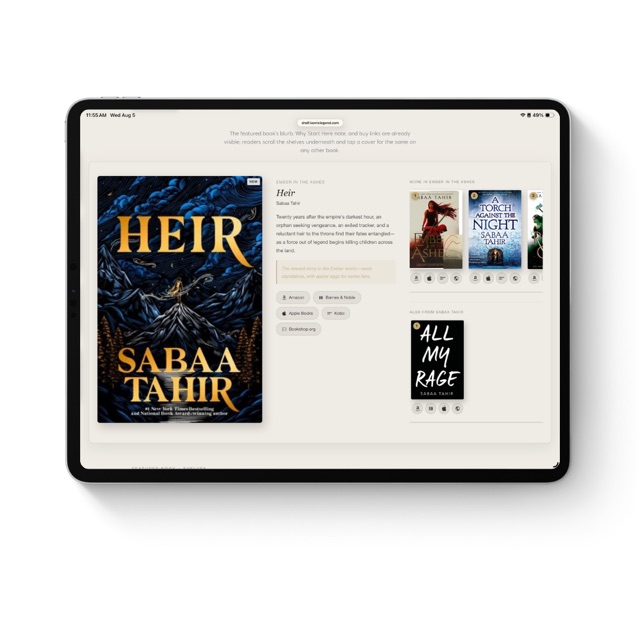
Your featured book, your shelves, one widget. Embed it anywhere.
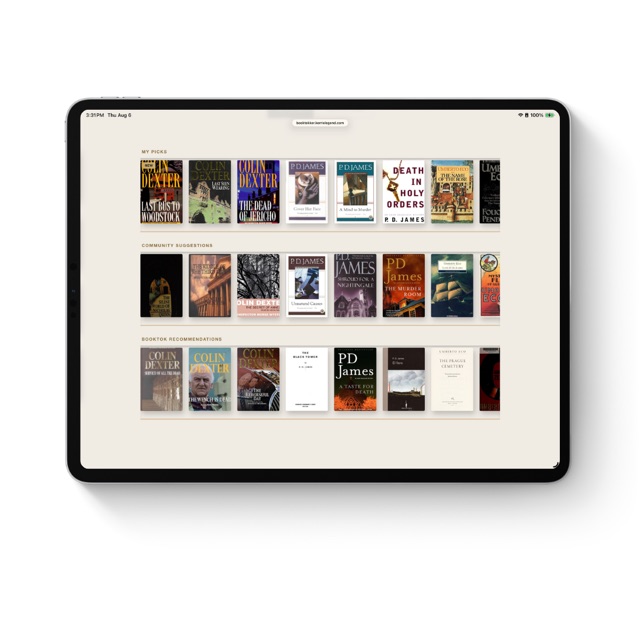
Your TBR, three shelves, one widget. Embed it anywhere.
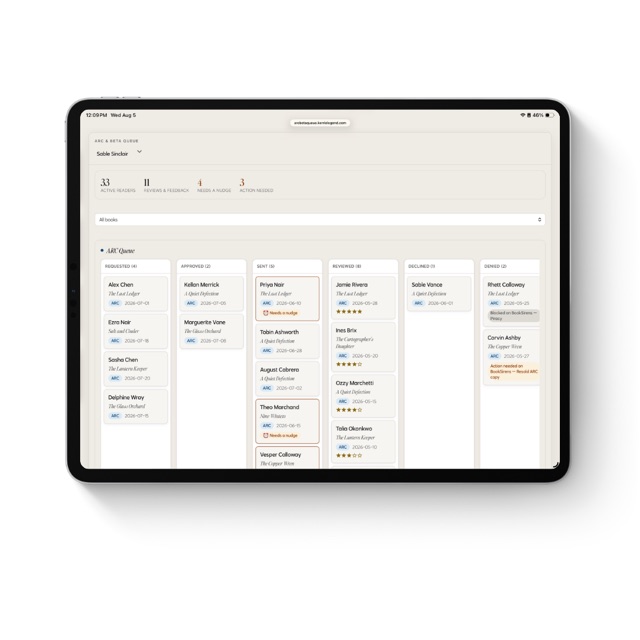
The reader tracker that tells you who needs a nudge.
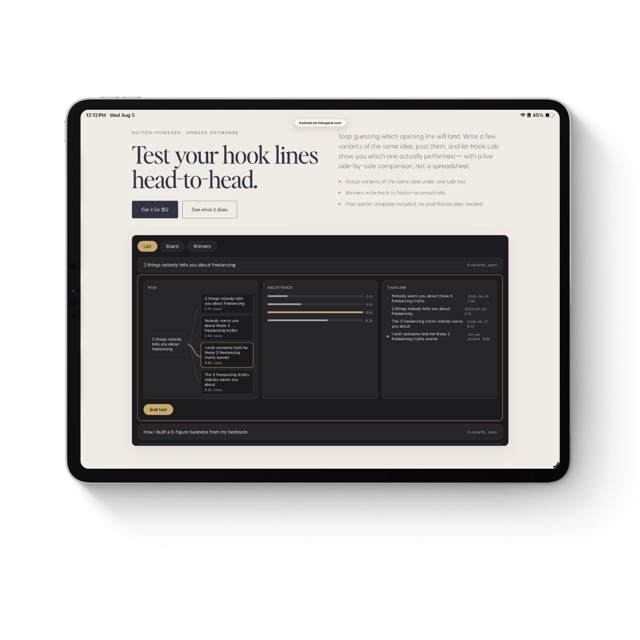
Test your hook lines head-to-head.
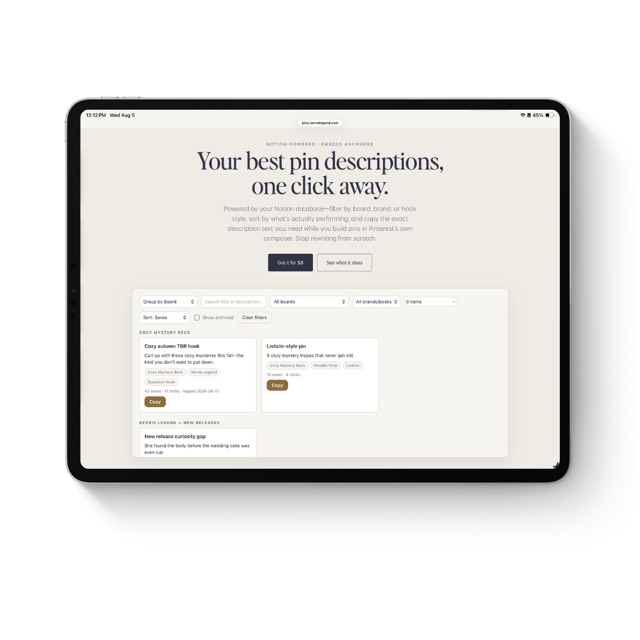
Your best pin descriptions, one click away.
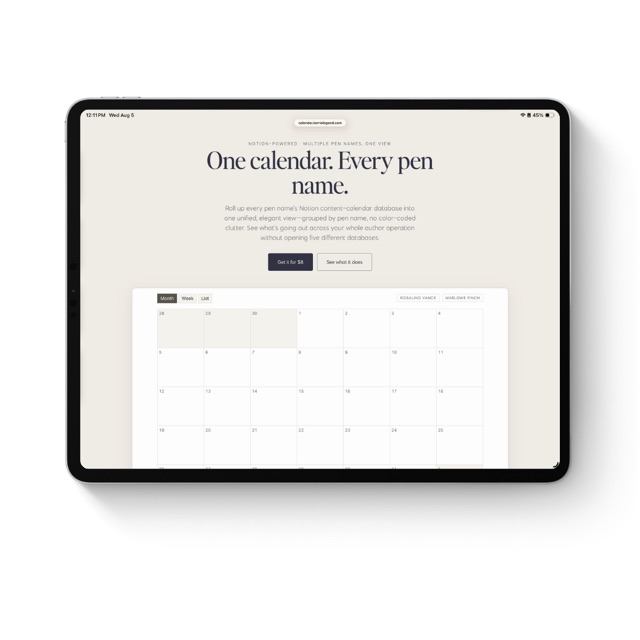
One calendar. Every pen name.
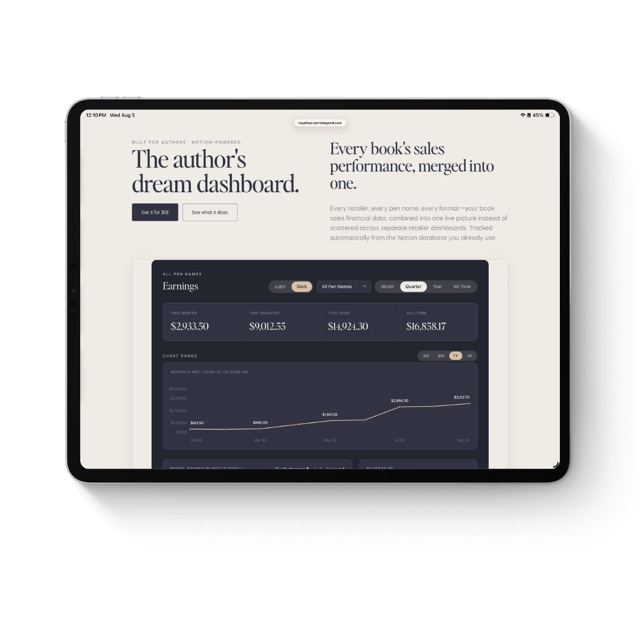
Every retailer, every pen name, one live royalty dashboard.